
WordPress and small business website guides, in plain English.
How to back up, move and fix WordPress sites, written by the team behind MoveSafe, plus straight answers on website timelines, automation and upkeep.
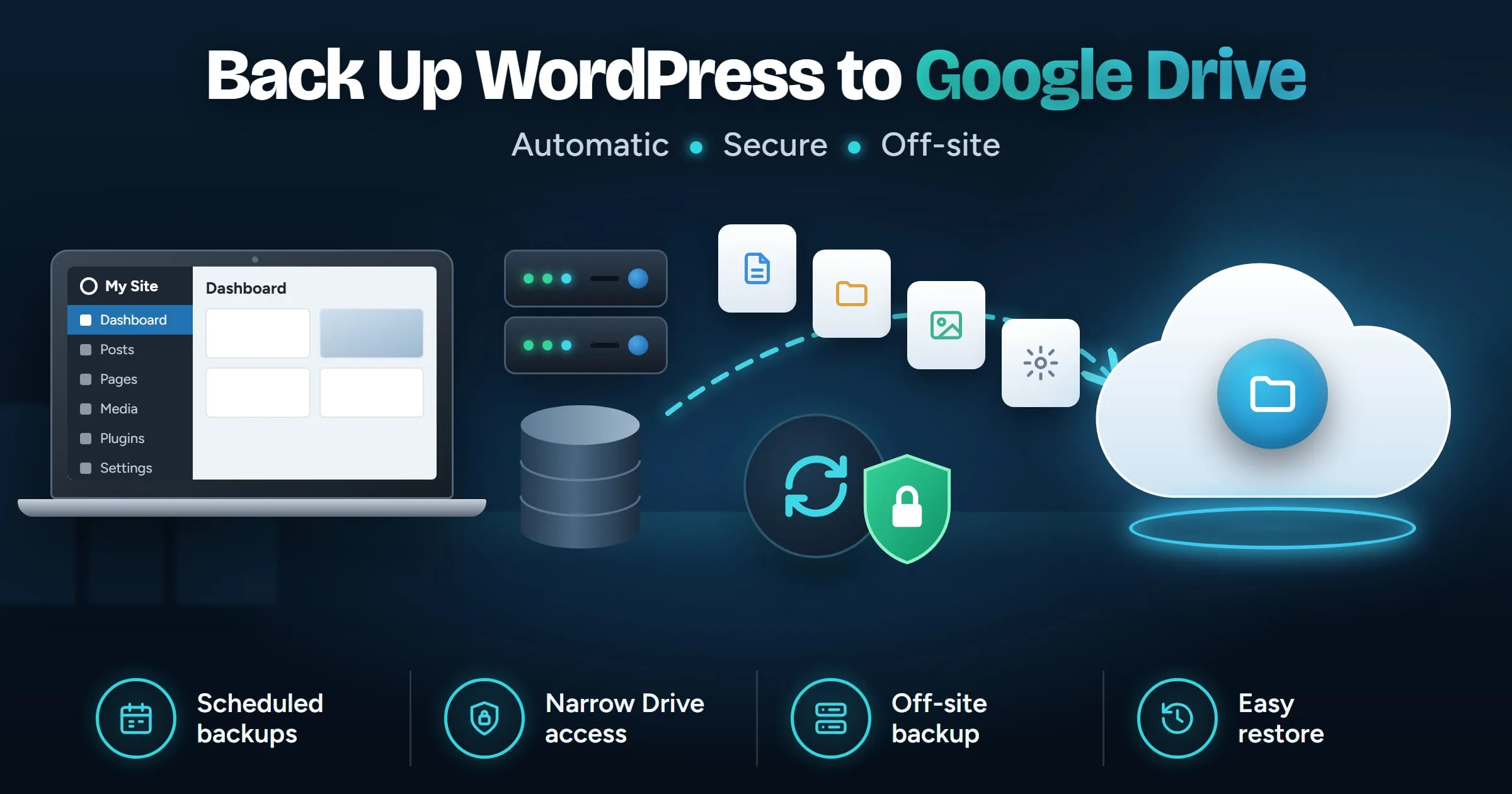
How to Back Up WordPress to Google Drive
Back up WordPress to Google Drive automatically: what Drive access a plugin should ask for, how to schedule it, how much space you need and how to restore.
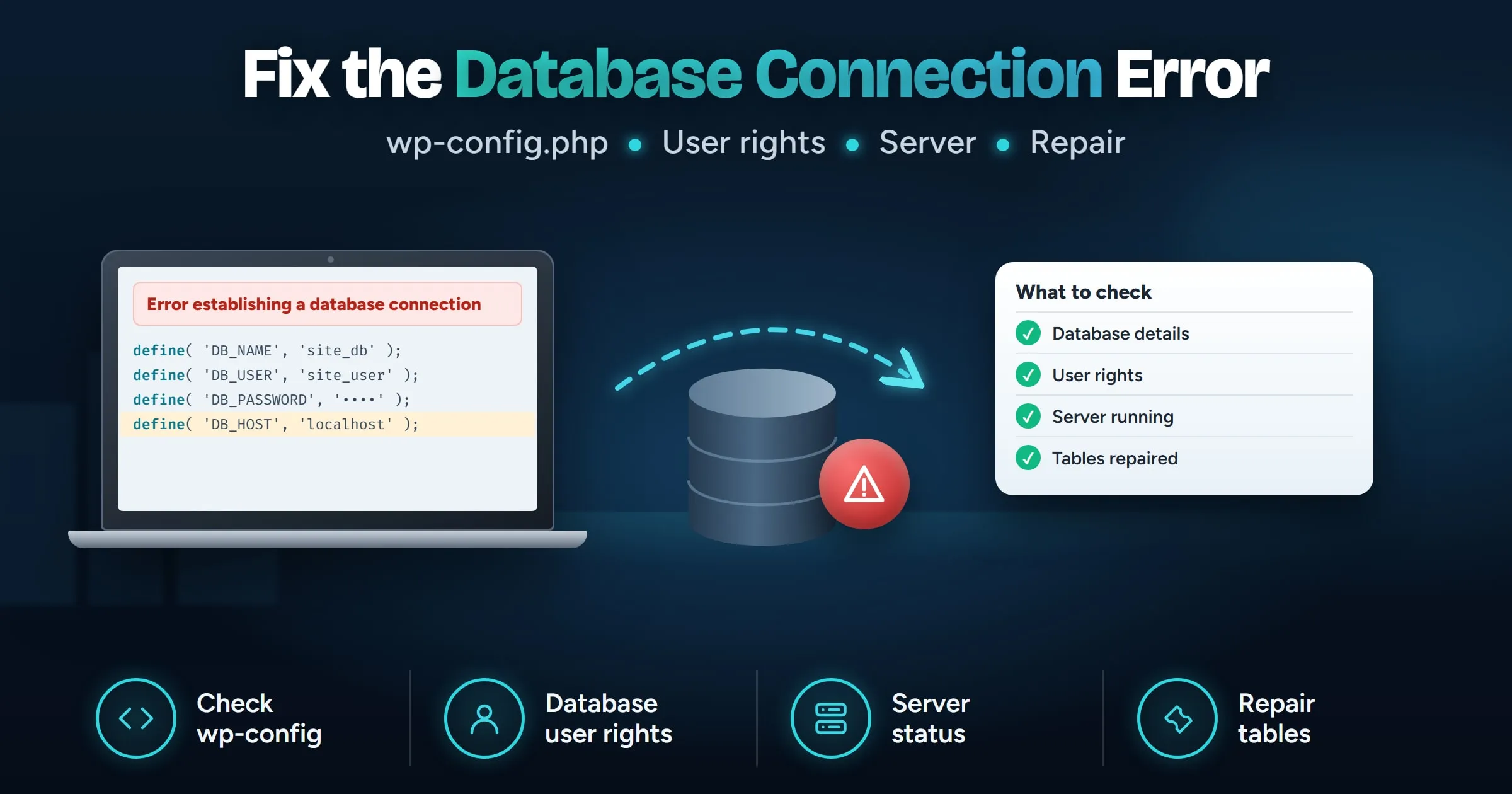
Fix Error Establishing a Database Connection
Fix "Error establishing a database connection" in WordPress: check wp-config.php, database user rights, the database server and damaged tables, in order.
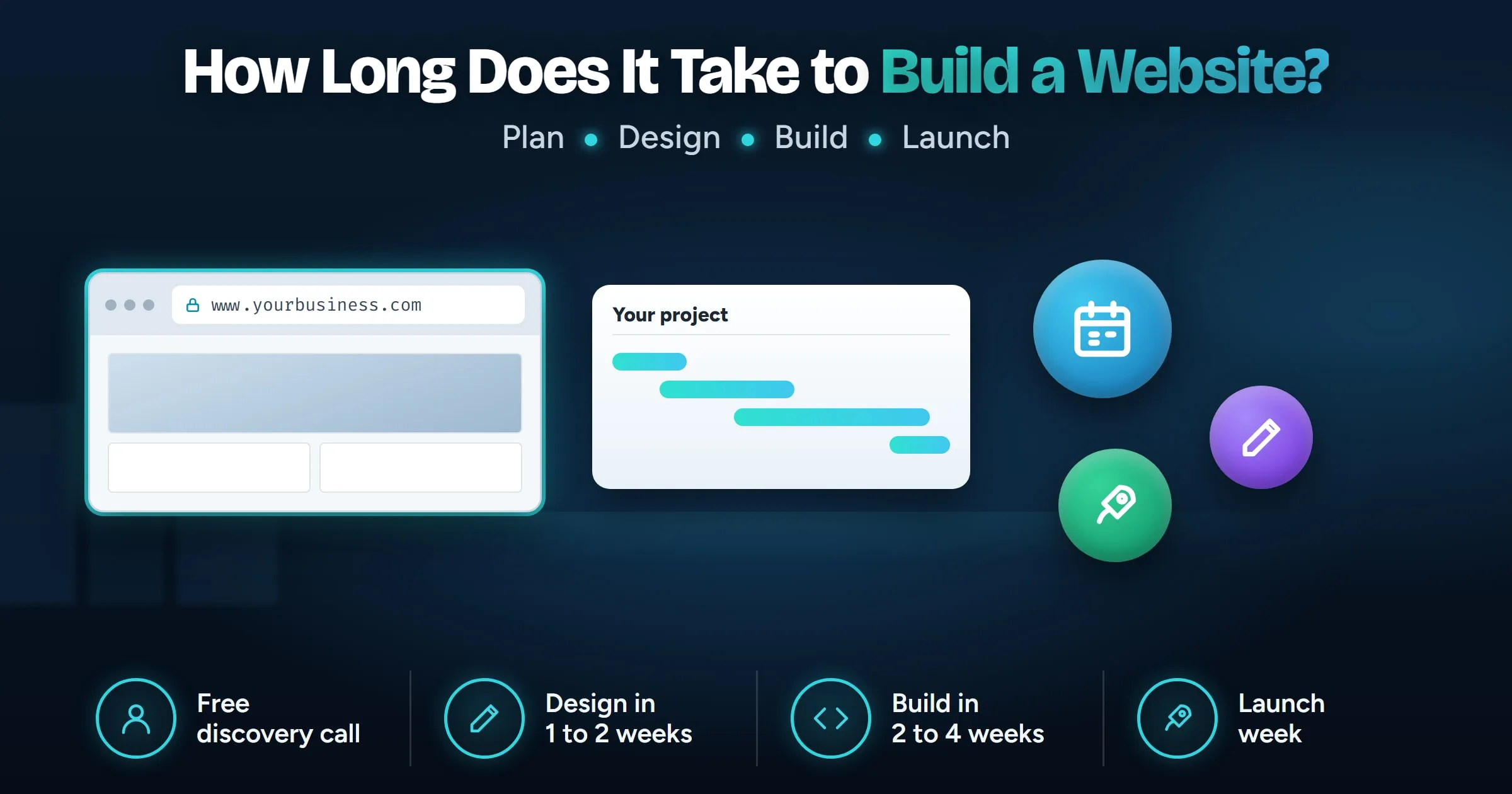
How Long Does It Take to Build a Website?
How long it takes to build a small business website, stage by stage: planning, design, build and launch, plus what slows projects down.
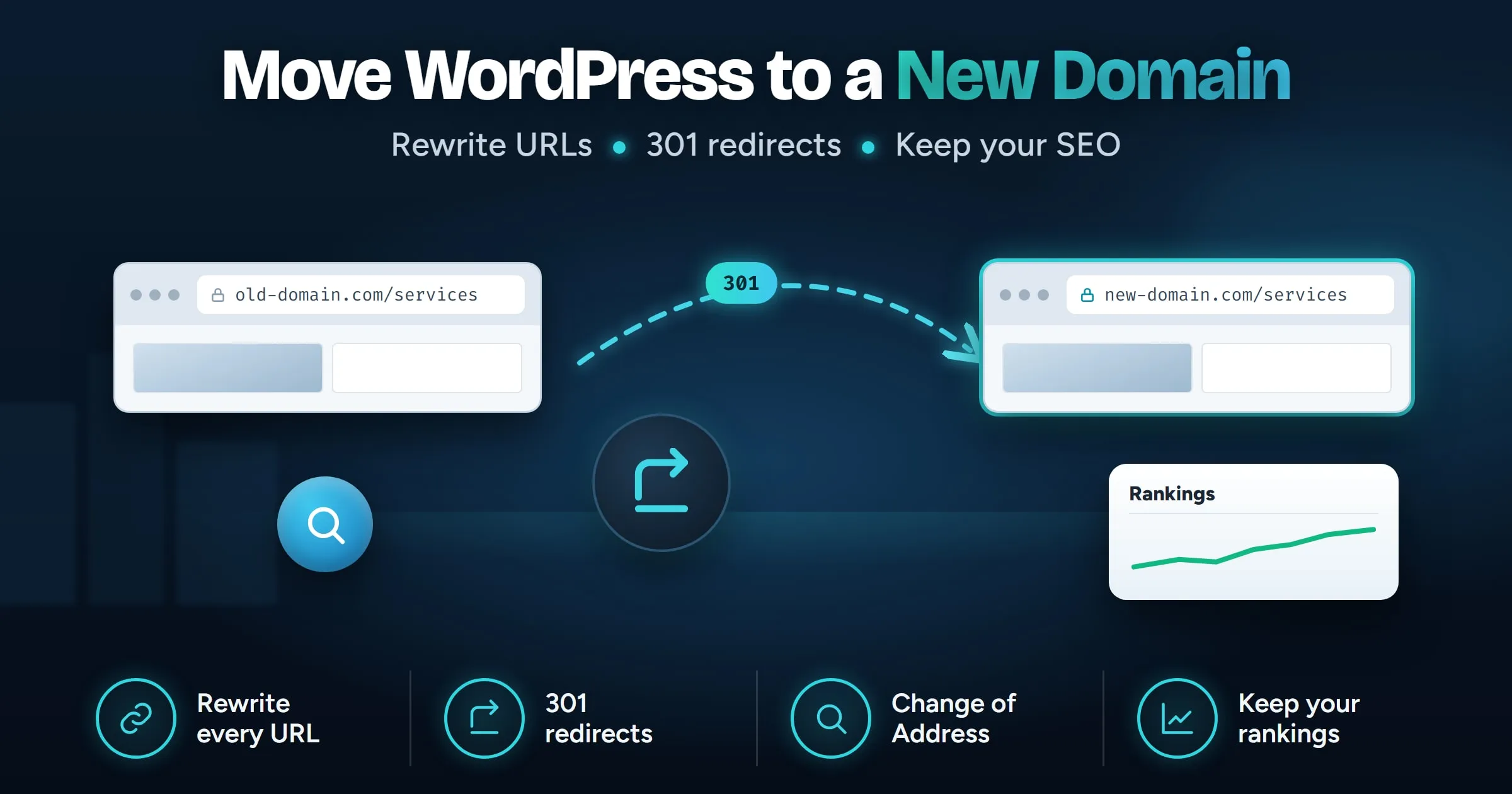
Move WordPress to a New Domain, Keep Your SEO
Move WordPress to a new domain without losing search traffic: copy the site, rewrite every URL, add 301 redirects and tell Google with Change of Address.
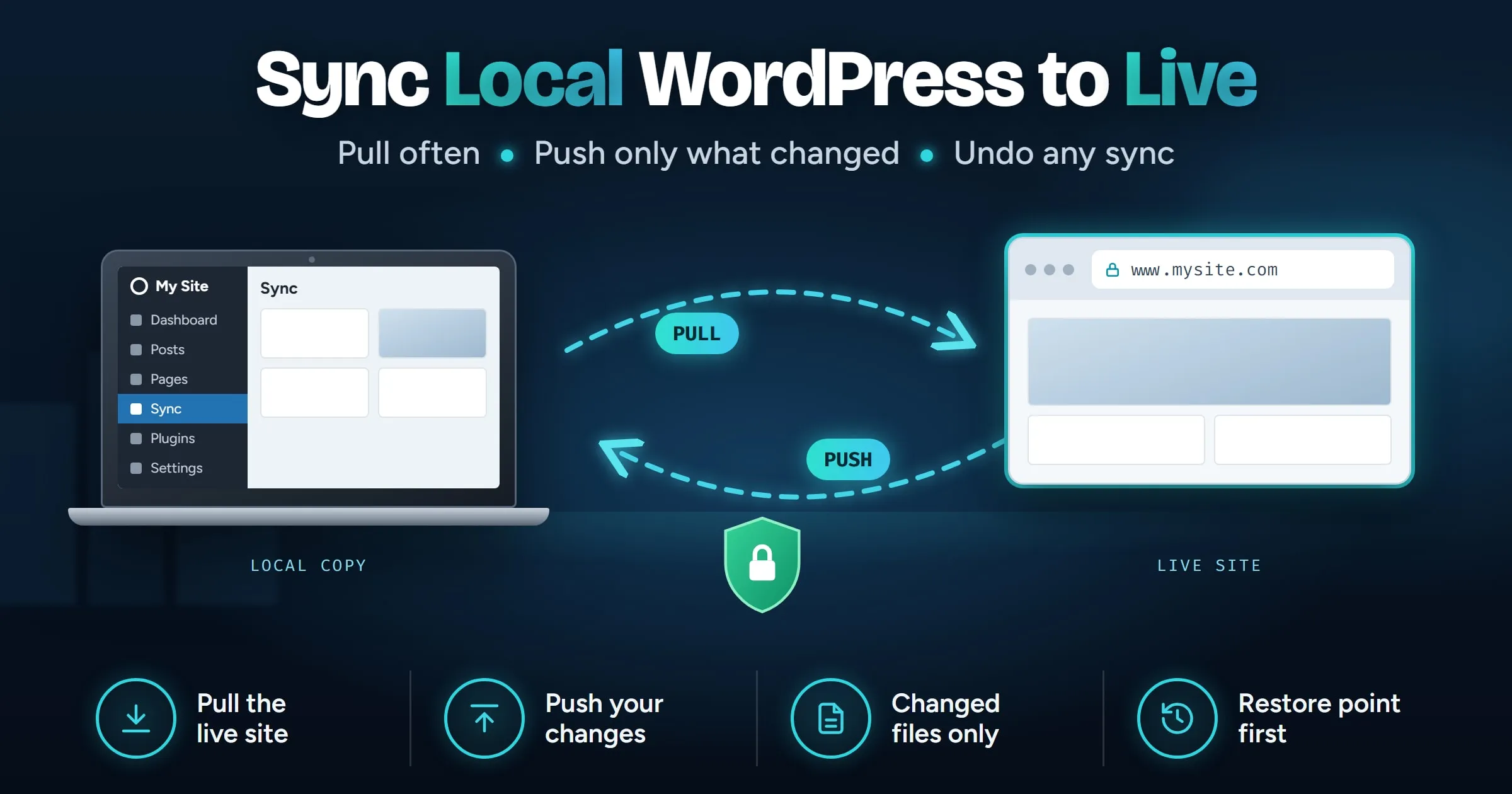
How to Sync a Local WordPress Site to Live
Sync a local WordPress site to live without overwriting orders or new posts: what to pull, what to push, the manual way, and how to undo a bad push.
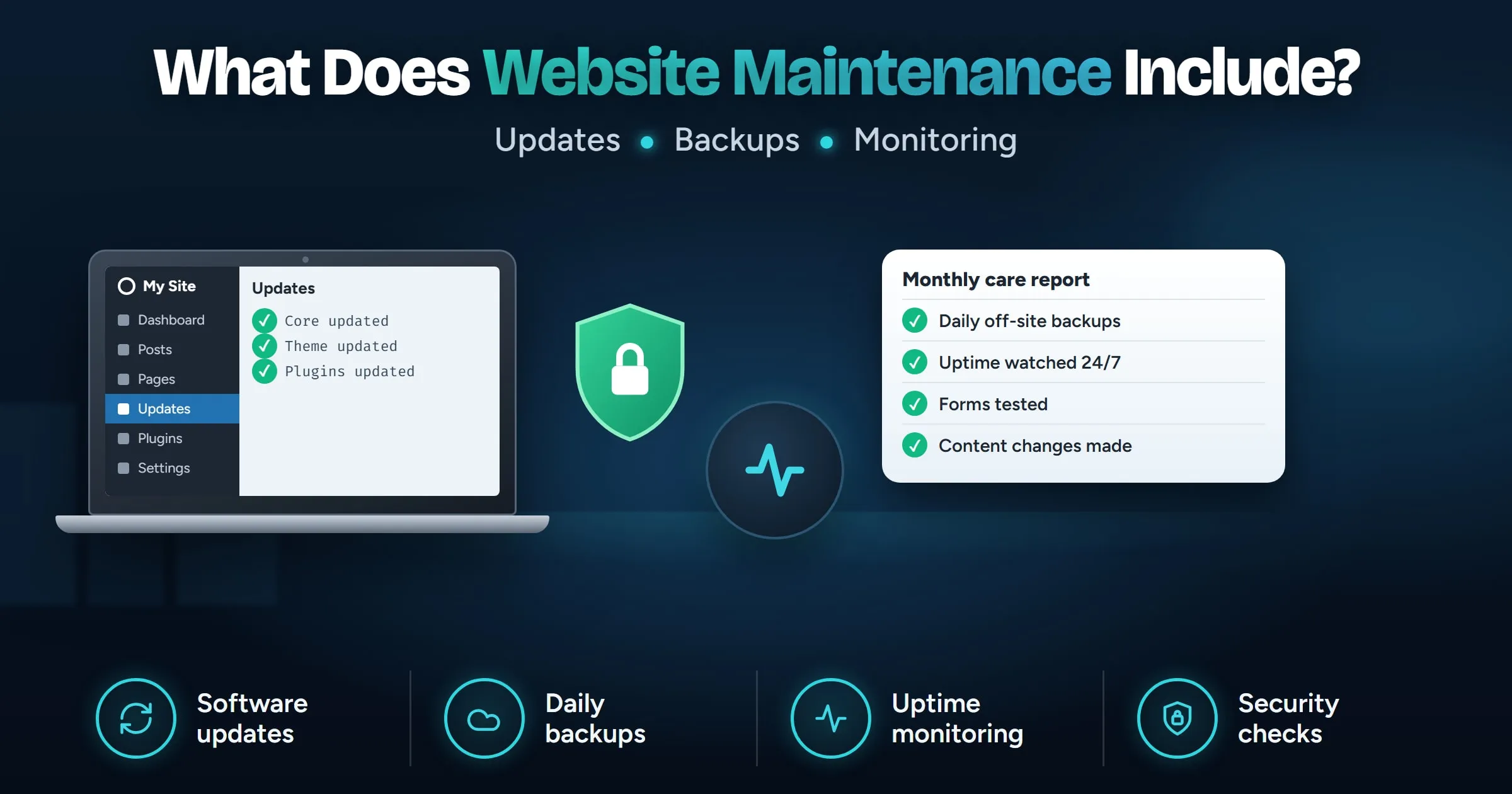
What Does Website Maintenance Include?
What website maintenance includes each month: updates, off-site backups, monitoring, speed checks and content edits, and how to do it yourself.
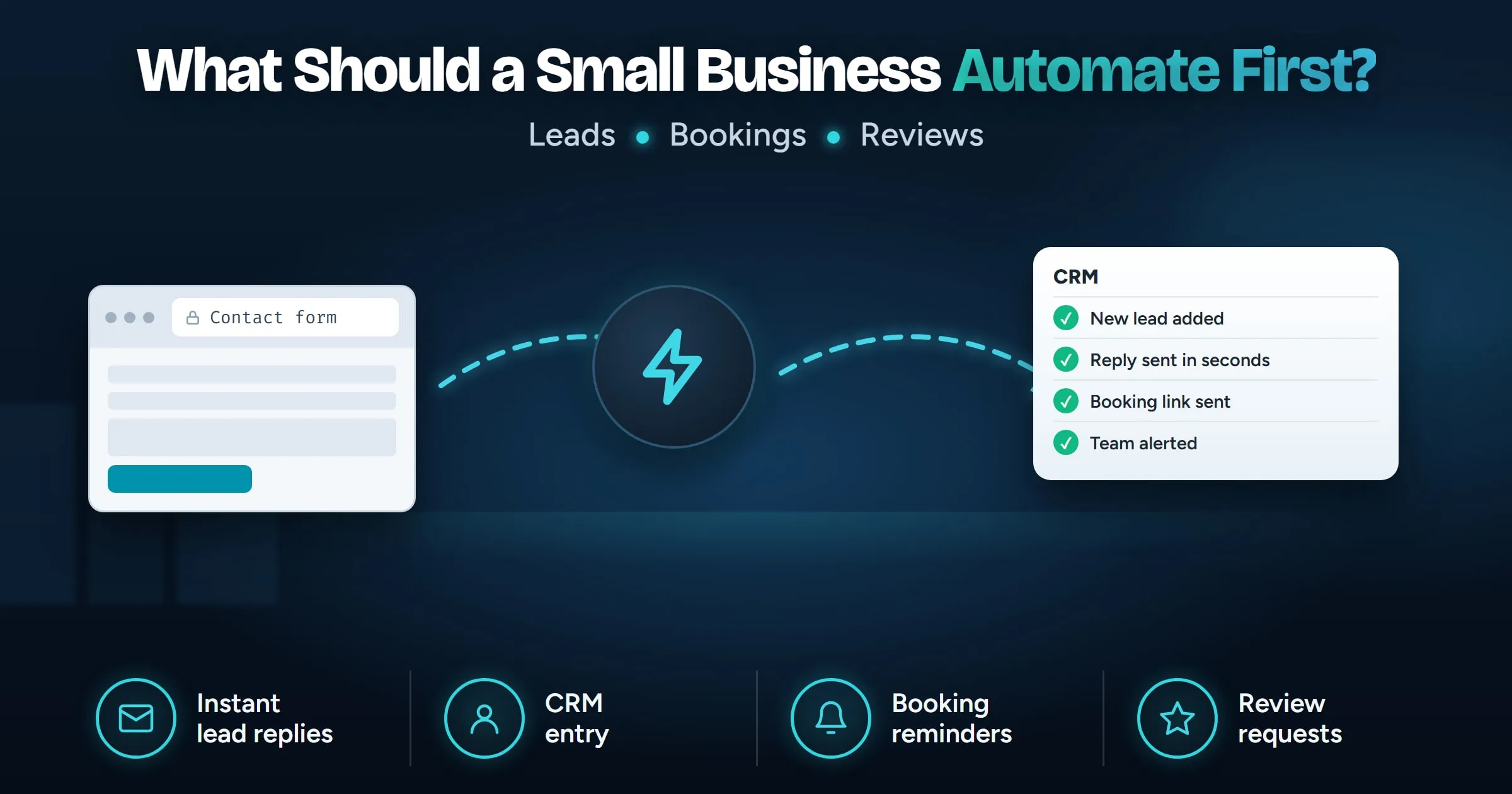
What Should a Small Business Automate First?
What a small business should automate first: lead replies, CRM entry, booking reminders and review requests, how to choose, and what to keep human.
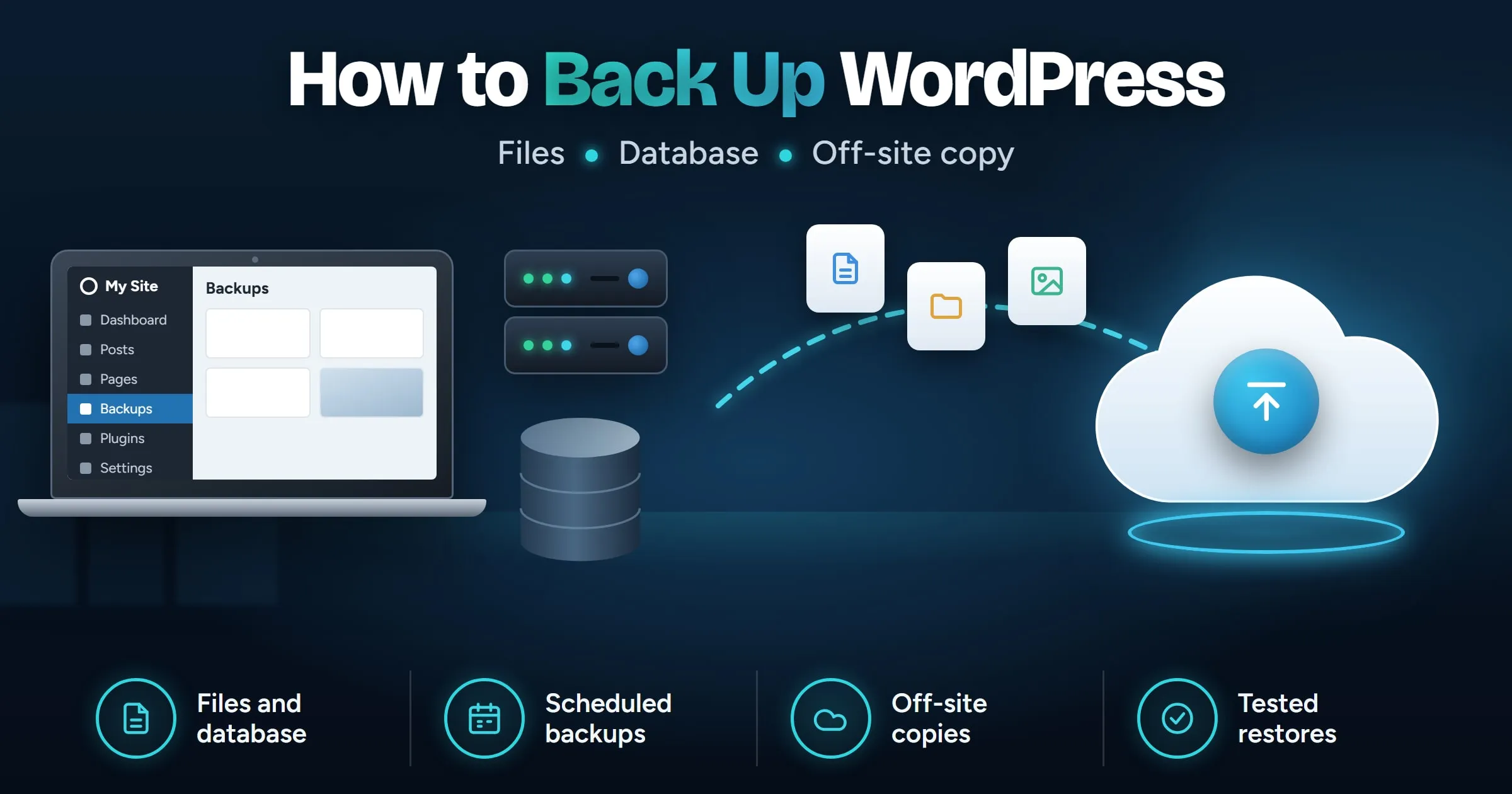
How to Back Up WordPress: The Complete Guide
How to back up WordPress the right way: what to include, how often, where to keep copies, and how to check a backup works before you need it.
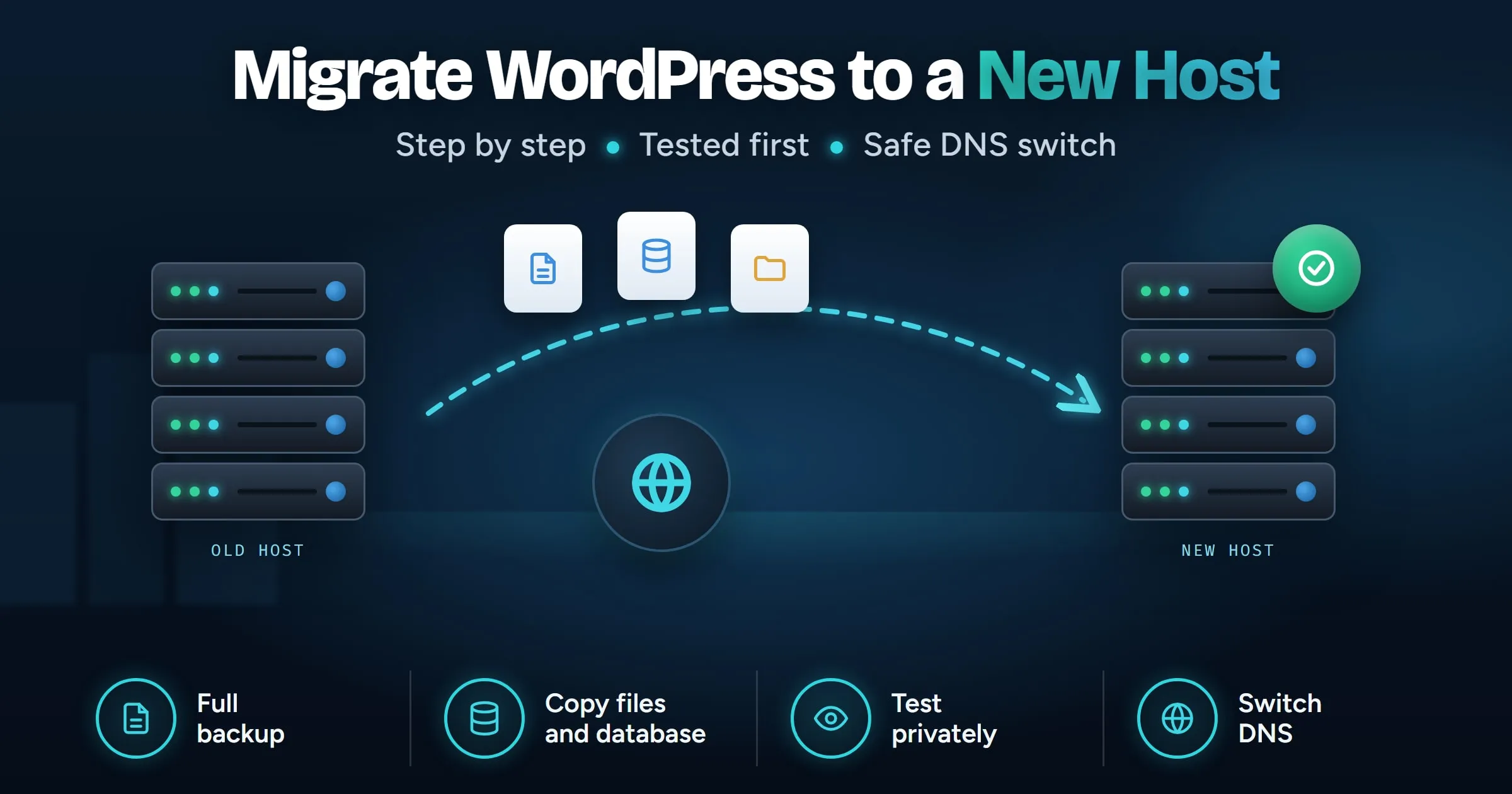
How to Migrate WordPress to a New Host
Migrate WordPress to a new host step by step: back up, copy files and database, fix URLs, test before DNS changes and switch without downtime.
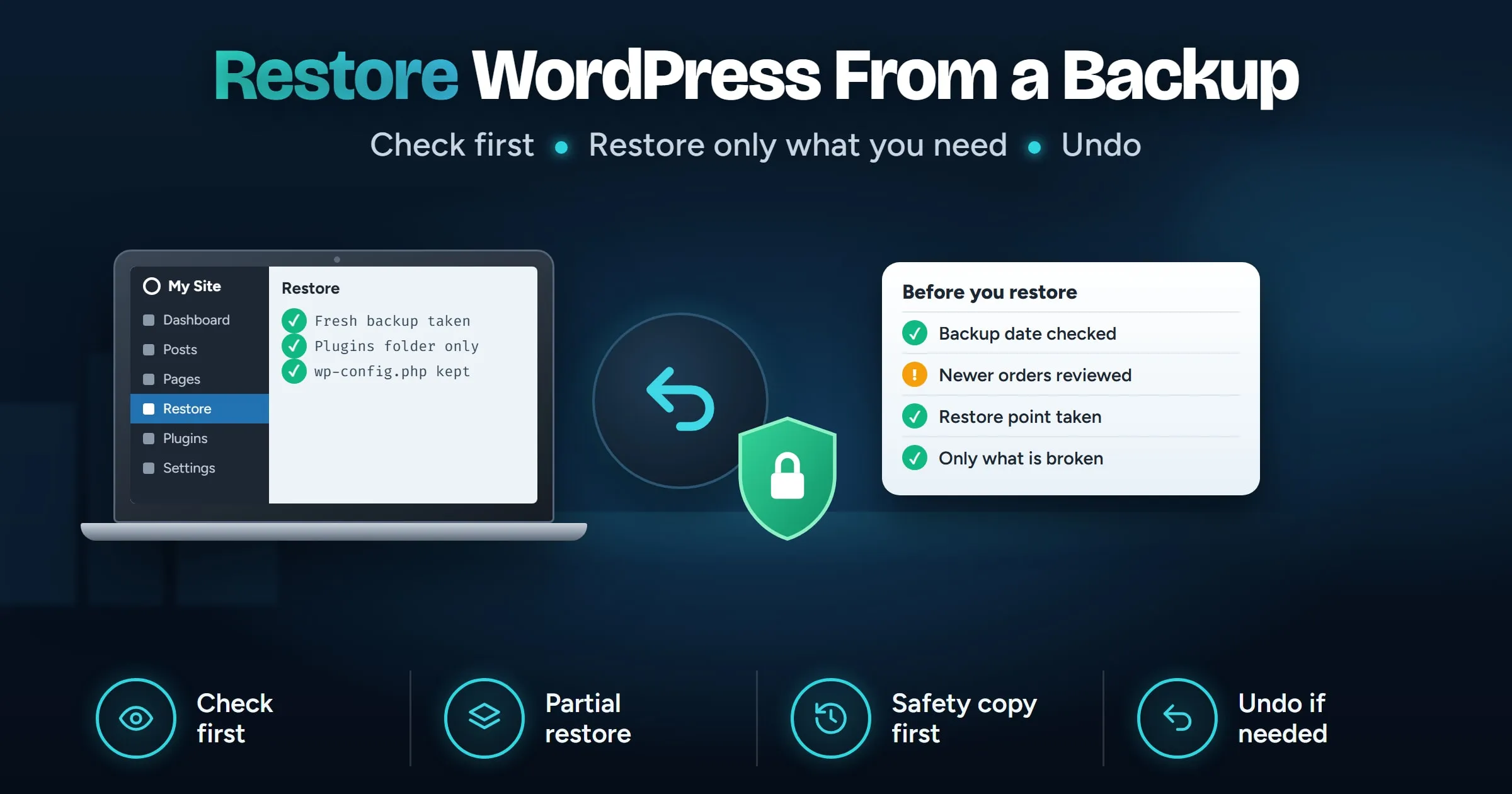
How to Restore WordPress From a Backup Safely
Restore WordPress from a backup without losing new posts or orders: what to check first, full or partial restores, manual steps and how to undo.