
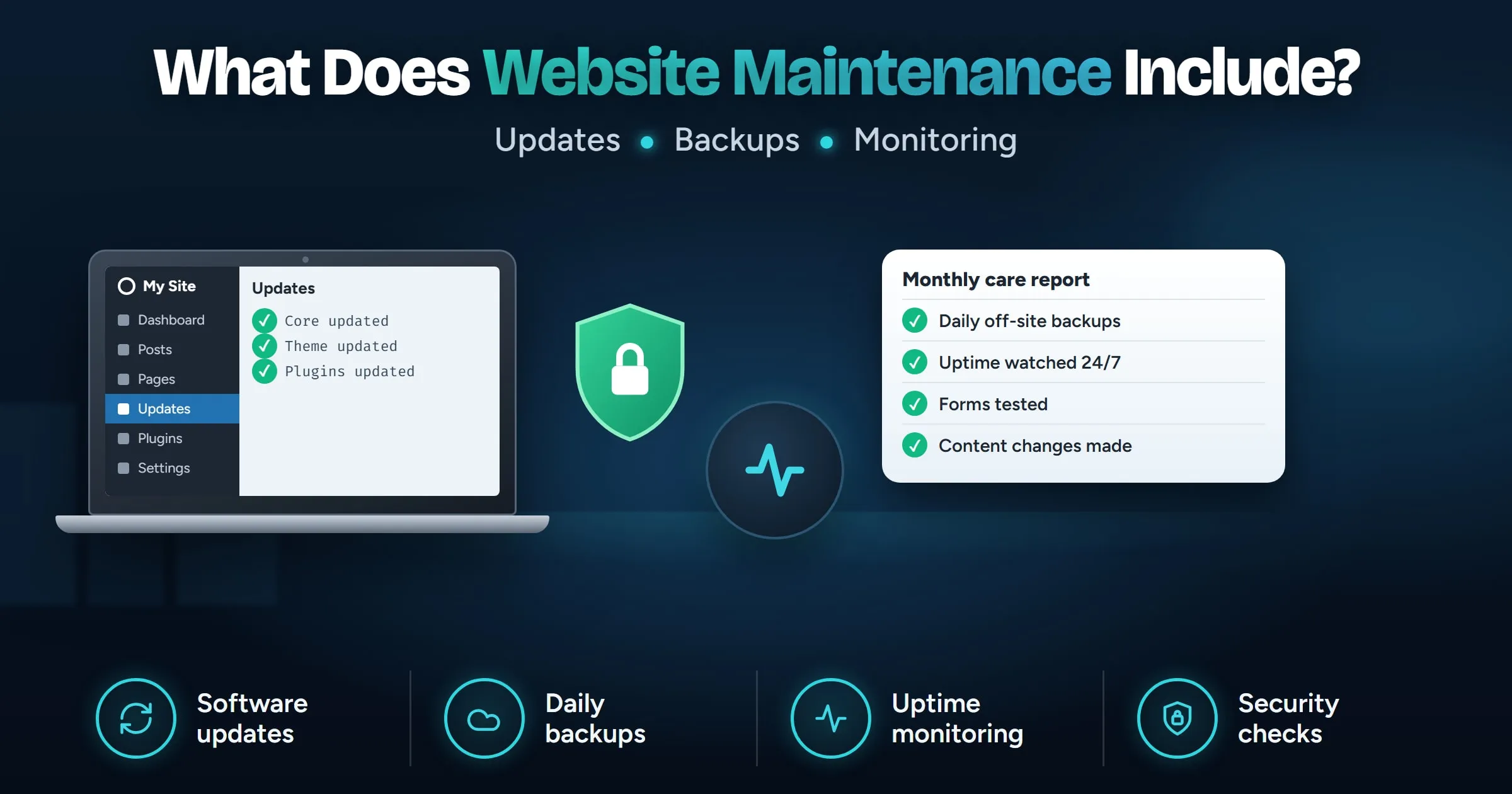
What does website maintenance include each month?
Website maintenance includes updating the platform, theme and plugins, taking regular backups stored off the server, watching for downtime and security problems, and checking that forms, speed and SSL still work. Most plans also cover small content changes and a monthly report. On WordPress, updates and backups are the parts that matter most, because updates are how security fixes reach your site.
Last updated
In this guide
Website maintenance includes keeping the software up to date, taking regular backups stored away from the server, watching for downtime and security problems, and checking that the things customers use, such as forms and checkout, still work. Most maintenance plans also cover small content changes and a monthly report. For a WordPress site, updates and backups are the parts that matter most.
What tasks are part of website maintenance?
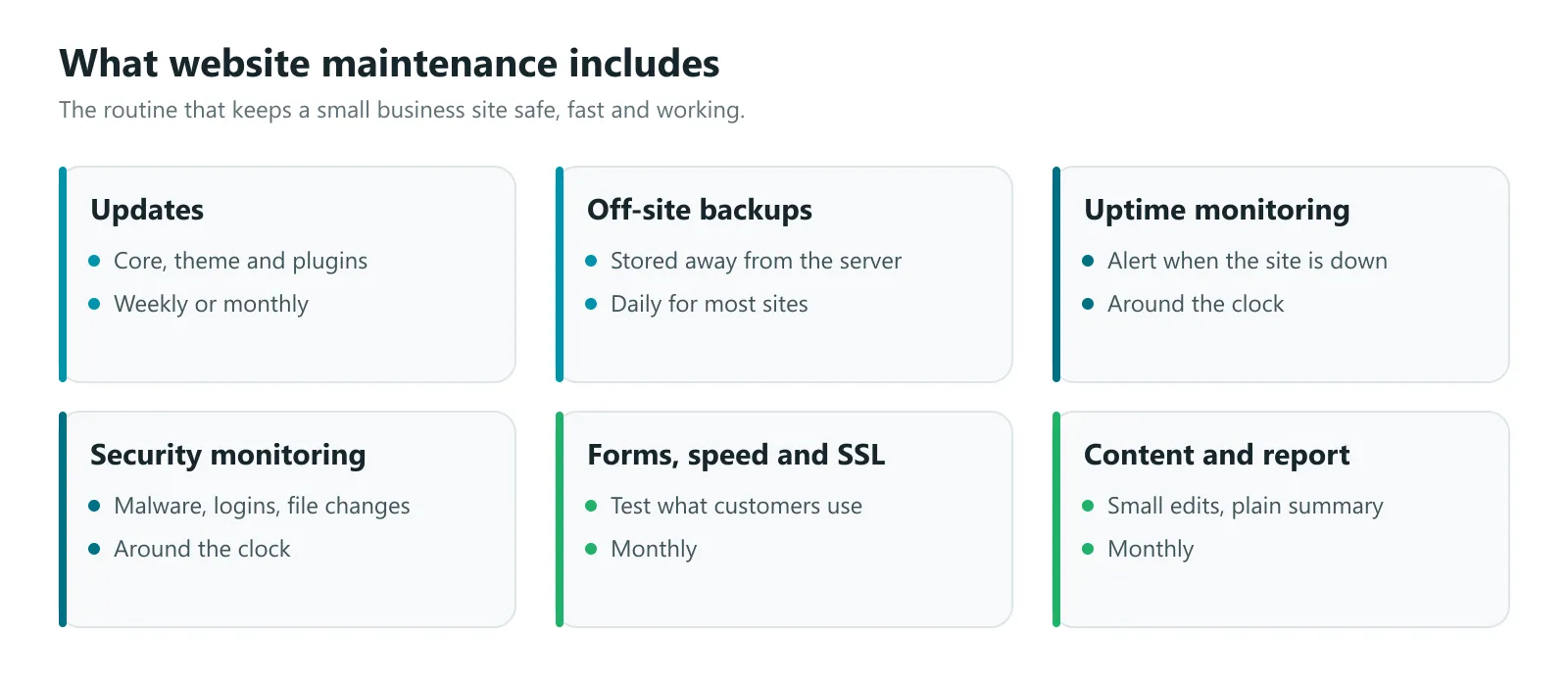
| Task | How often | Why it matters |
|---|---|---|
| Platform, theme and plugin updates | Weekly or monthly, security fixes sooner | Closes security holes and keeps things compatible |
| Backups stored off the server | Daily for most sites, more often for stores | Lets you recover from a hack, a bad update or a server failure |
| Uptime monitoring | Around the clock | You hear the site is down before a customer tells you |
| Security monitoring | Around the clock | Spots malware, suspicious logins and unexpected file changes |
| SSL certificate and domain renewal | Checked monthly | A lapsed certificate shows visitors a security warning |
| Form and checkout tests | Monthly | Forms can stop sending without any visible error |
| Speed checks | Monthly | Slow pages lose visitors and can affect search rankings |
| Content changes | As needed | Prices, opening hours, team members and offers stay current |
| Monthly report | Monthly | A plain summary of what was done and what needs attention |
Software updates
WordPress, its theme and its plugins all release updates for new features, bug fixes and security fixes. Updates are how security fixes reach your site, so a plugin left out of date stays exposed to problems that have already been fixed and made public. That makes updates the core of maintenance.
Updates also carry a small risk: occasionally one plugin update conflicts with another and breaks a page. That is why WordPress’s own documentation recommends backing up before you update. A careful routine is:
- Take a backup.
- Apply updates, ideally on a staging copy first for bigger changes.
- Check the key pages, forms and checkout afterwards.
- Roll back from the backup if something broke.
Maintenance also means keeping the server’s PHP version current. WordPress recommends PHP 8.3 or newer and notes that older versions have reached end of life and may expose a site to security problems.
Backups
A backup is only useful if it is recent, complete and stored somewhere other than the server. Daily off-site backups are a sensible default for most business sites, and online stores often need the database backed up more often. Our guide on how to back up WordPress covers what a complete backup includes and how to check it works.
Monitoring
Uptime monitoring checks the site every few minutes and sends an alert when it stops responding, so a problem is spotted at 2 a.m. rather than when the phone does not ring.
Security monitoring looks for malware, changed files, suspicious logins and new administrator accounts. Catching a problem early is far cheaper than cleaning up a site that has been sending spam for a month.
Checks that keep the site working
Some problems never show an error. A contact form can stop delivering emails after a hosting change, a checkout can fail on one payment method, and pages can slowly get heavier as photos are added. A monthly check of forms, checkout, broken links and page speed catches these. Google’s Core Web Vitals give useful targets, such as the main content appearing within 2.5 seconds.
Content changes and reporting
Many plans include a small amount of content work each month: updating prices, adding a team member, swapping photos or publishing an offer. A monthly report then sums up what was updated, any issues found and fixed, and anything that needs a decision from you.
Should you do website maintenance yourself?
You can, and on a small site it does not take long each month. Doing it yourself suits you if you are comfortable with wp-admin, you will genuinely do it every month, and you know how to restore a backup if an update breaks something.
A maintenance plan makes sense when the site brings in real business, nobody on the team has the time, or the last update that went wrong took a day to fix. What a plan costs depends mostly on the size of the site, how often it changes, whether it is a store, and how much content work you need each month.
Either way, make sure you keep every login and every backup in your own name, so you are never locked in to one provider.
When is a maintenance plan worth paying for?
Our website maintenance plans cover core, theme and plugin updates, daily off-site backups, uptime and security monitoring, small content changes each month, and a monthly report in plain English, for a flat monthly fee. When something breaks, you reach a real person, usually the same or next business day. Plans work for sites we did not build too, starting with a free check of your current site.
Next steps
If you look after your site yourself, put the monthly routine above in your calendar and test a restore once. If you would rather hand it over, book a free call and we will start with a free check of your current site. Building something new? Our guide on how long it takes to build a website explains the timeline.
Sources
- Updating WordPress, WordPress Documentation
- Requirements, WordPress.org
- Web Vitals, web.dev by Google